

Askimo App UI Preferences & Settings
Customize Askimo App to match your workflow and preferences. This guide covers appearance settings, keyboard shortcuts, performance options, and more.
Accessing Preferences
Section titled “Accessing Preferences”From Menu
Section titled “From Menu”- Click on the menu bar
- Select “Askimo” → “Preferences” (macOS) or “Settings” (Windows/Linux)
- Navigate to the “Preferences” tab
Keyboard Shortcut
Section titled “Keyboard Shortcut”- macOS:
⌘ + , - Windows/Linux:
Ctrl + ,
Appearance
Section titled “Appearance”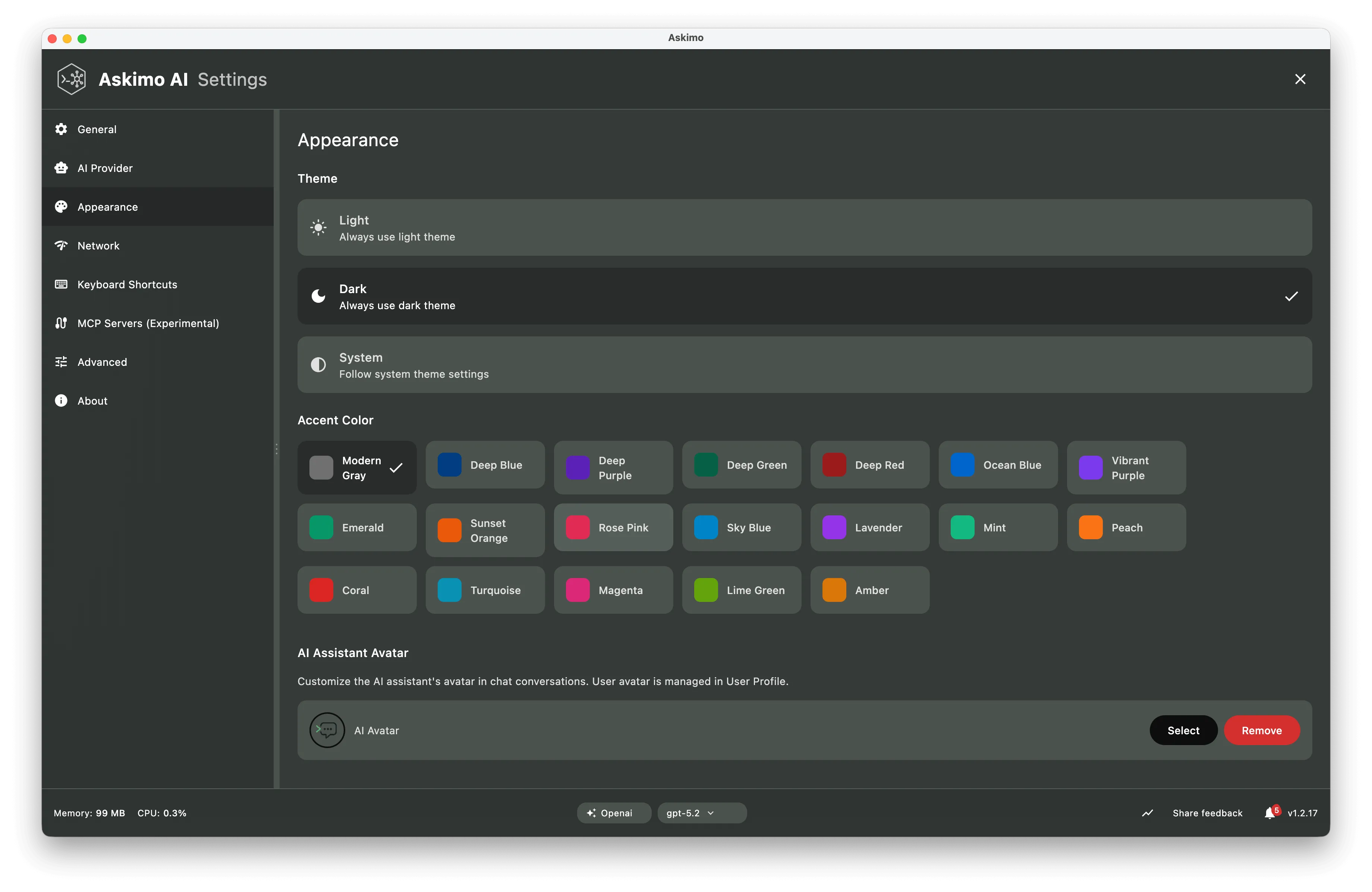
Choose your preferred color scheme:
- Light: Bright, clean interface ideal for daytime use
- Dark: Easy on the eyes, perfect for night work and reduced eye strain
- Auto: Automatically follows your system theme
- Custom: Create your own color scheme with custom accent colors
Font Settings
Section titled “Font Settings”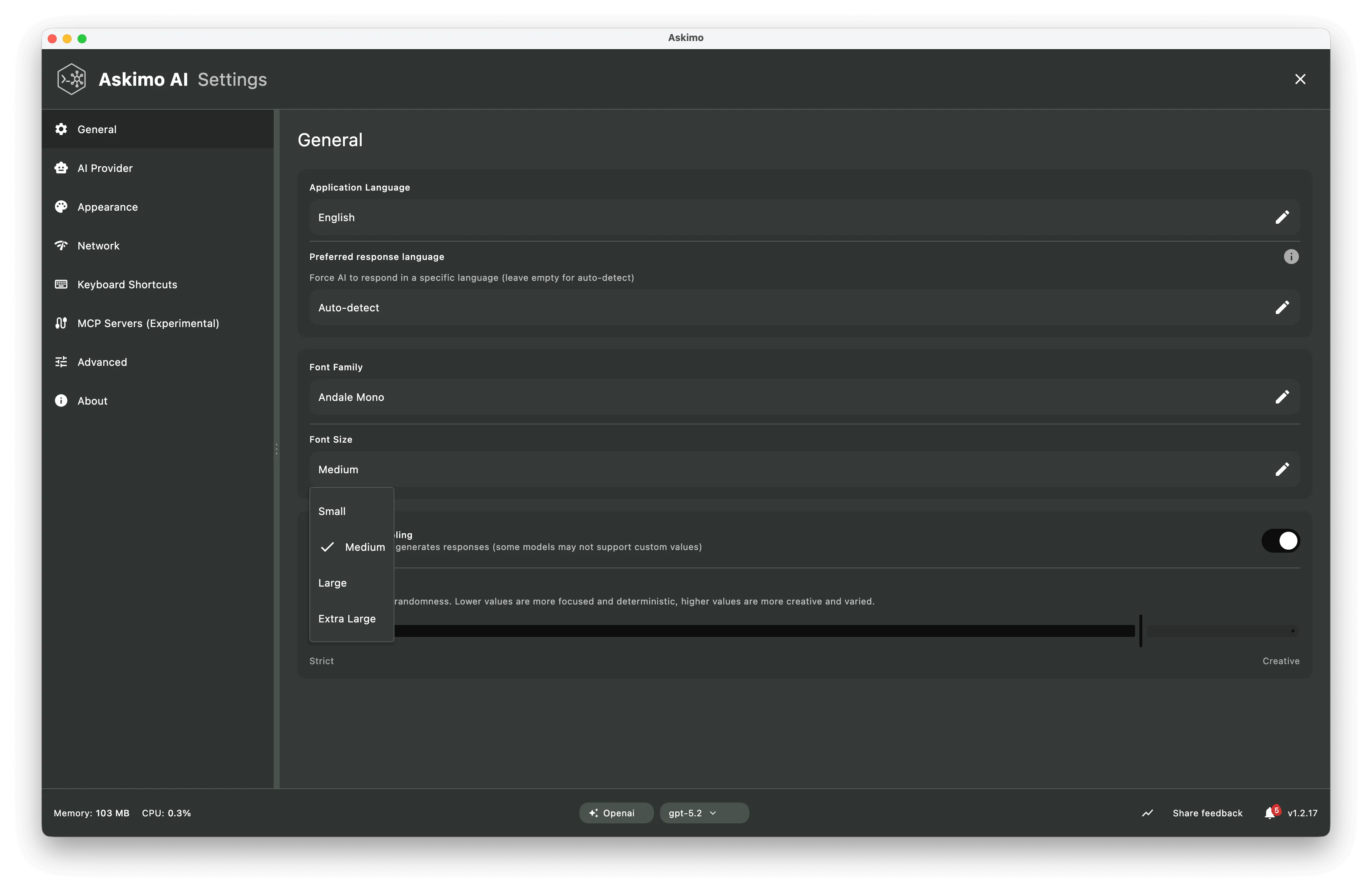
Editor Font
Section titled “Editor Font”- Font Family: Choose from system fonts or install custom ones
- Popular choices: SF Pro, Inter, Roboto, Arial
- Font Size: Adjust readability
- Default: Medium