

Askimo 1.2.0 Is Now Available
Askimo 1.2.0 continues our effort to make AI more useful in everyday work.
This release focuses on helping Askimo understand your information, respond quickly even as it grows, and fit more naturally into how people think and work. It introduces project-based Retrieval Augmented Generation (RAG), broader file support directly in chat, improved session workflows, better support for different screen sizes, flexible local AI integration, and a safer macOS installation experience.
Each improvement is aimed at reducing friction and helping AI feel like a practical tool rather than something you have to work around.
Project-Based RAG: Answers Grounded in Your Knowledge
AI is most helpful when it understands the context behind your questions.
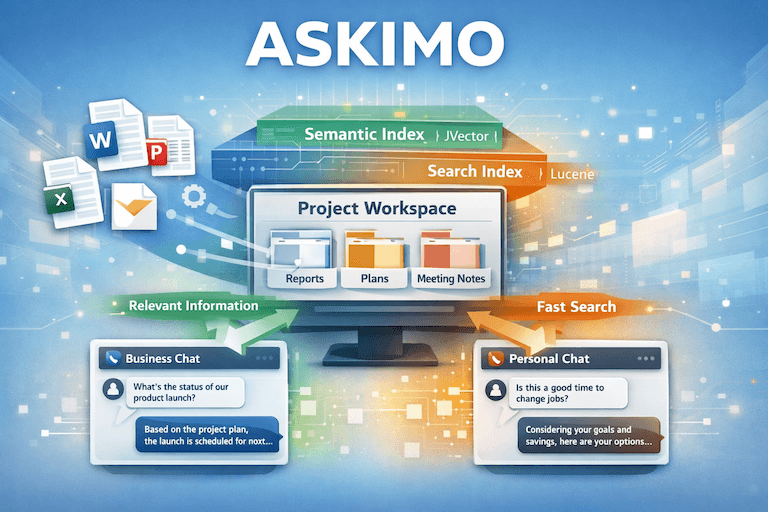
Project-based Retrieval Augmented Generation (RAG) allows Askimo to answer questions using your own documents and knowledge, rather than relying only on general information. This is especially important when decisions depend on internal context, history, or constraints.
With project-based RAG, Askimo helps you:
- Get answers based on your actual files
- Make better decisions using internal knowledge
- Keep context consistent across conversations
- Stay responsive even with large collections of documents
Askimo is designed to work well not only with small notes, but also with large and growing knowledge bases.
Without RAG, AI tools often lack the information needed to be truly helpful.
A business team might ask:
“Should we delay this product launch?”
Without access to internal plans, risks, or previous discussions, a general AI tool can only offer generic advice. It does not understand existing commitments or trade-offs that have already been considered.
The same issue appears in personal use.
Someone might ask:
“Is this the right time for me to change jobs?”
Without knowing personal goals, financial plans, or past reflections, the answer can only be broad and impersonal.
Project-based RAG changes this by allowing Askimo to retrieve relevant context from your project before responding. If a project contains planning documents, meeting notes, reports, or personal files, Askimo can reference that information to provide answers that feel more specific and aligned with reality.
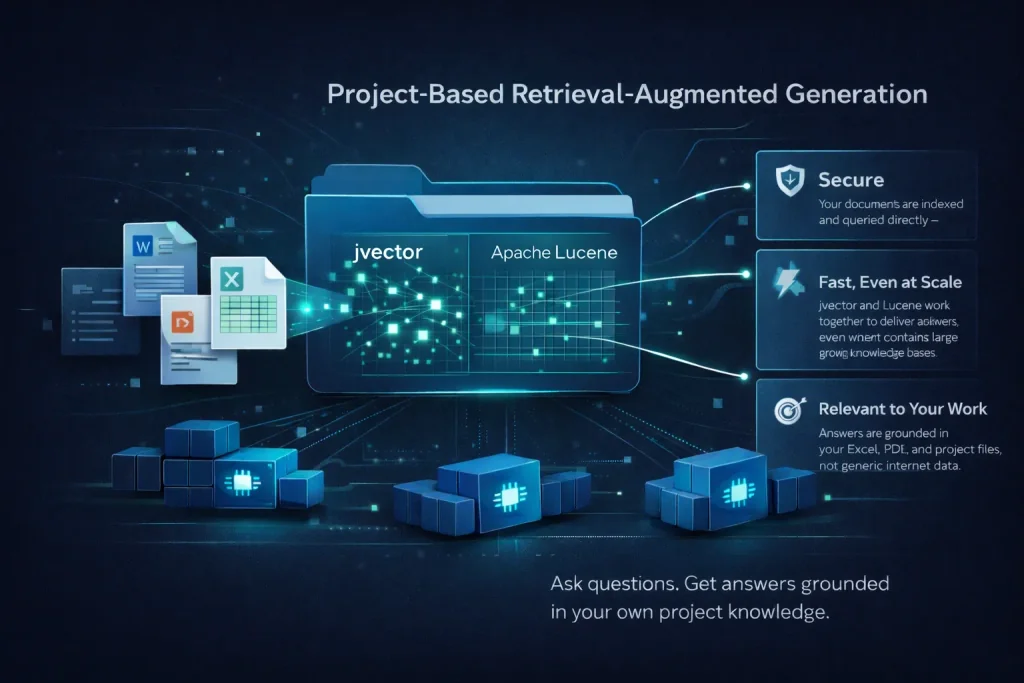
Askimo is also built to remain fast as projects grow. By combining jvector for semantic understanding with Apache Lucene for efficient indexing, Askimo can search large knowledge bases quickly and return relevant context without noticeable delays.
Work With the Files You Already Have
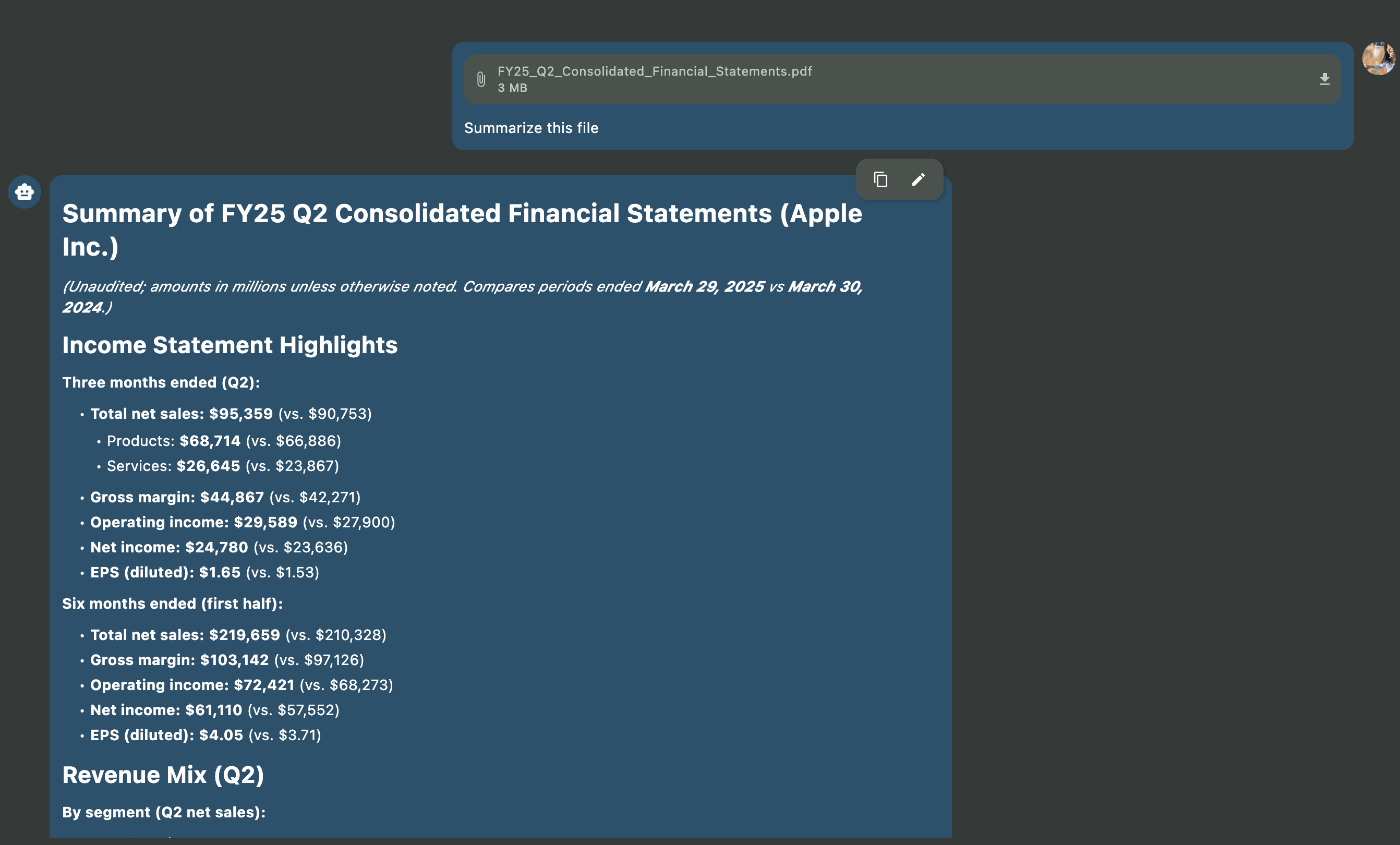
Askimo 1.2.0 also introduces a standalone feature that lets you attach files directly in chat, without needing to set up a project.
You can include:
- Office documents (Word and Excel)
- PDFs
- OpenOffice files
- Emails
- Rich text documents
- Log files and text outputs
Once attached, Askimo can read the file content and use it as context for your questions.
This makes it easier to:
- Summarize long documents
- Extract key points from reports or emails
- Review spreadsheet data
- Understand log files or technical outputs
- Ask follow-up questions without copying content elsewhere
A Real-World Example
Imagine you receive a large Excel file with weeks of data, along with a Word document explaining the results.
Instead of opening multiple tools and manually reviewing everything, you can attach both files to Askimo and ask:
- “Can you summarize the main findings?”
- “What trends stand out in this spreadsheet?”
- “Are there any unusual values I should look at?”
Askimo reads the files and responds based on their content. You can continue asking questions without re-uploading or re-explaining anything.
The same approach works for PDF reports, email threads, or log files that need quick explanation.
Work Across Multiple Chat Sessions in Parallel
Askimo does not limit you to a single conversation.
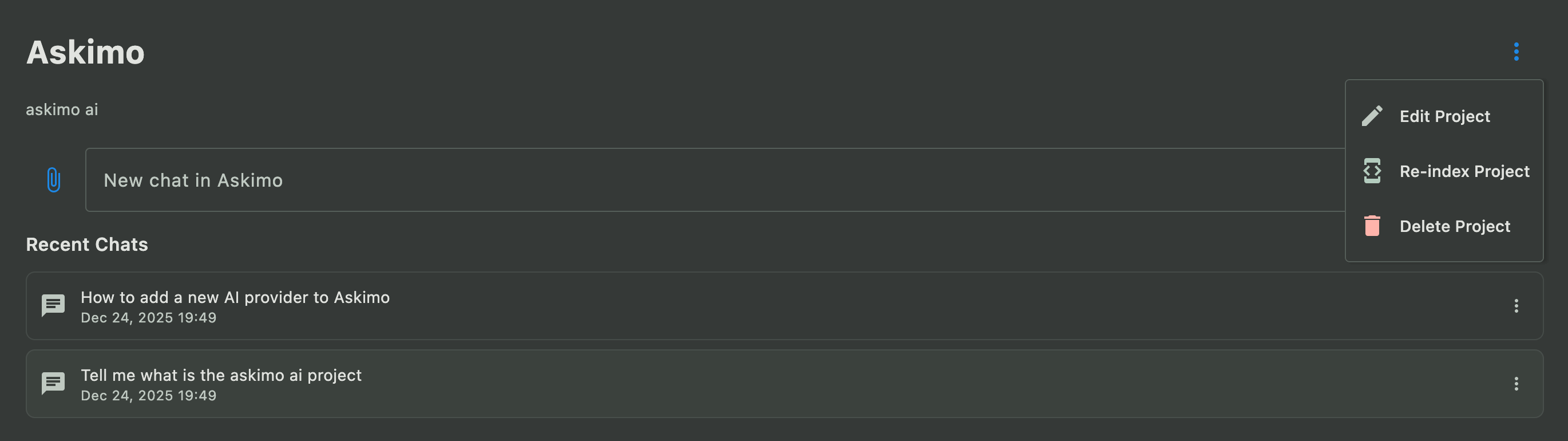
You can work with multiple chat sessions at the same time, each focused on a different question or direction. Sessions can reference the same project knowledge, allowing you to explore ideas in parallel without losing context.
For example, you might:
- Use one chat for high-level questions
- Use another to explore details or alternatives
- Keep a separate session for brainstorming or follow-up work
Each conversation stays independent, making it easier to switch between topics without disrupting your thinking.
Refine Your Questions and Improve Answers
Good answers often come from refining the question.
Askimo allows you to edit your previous questions and ask again. This makes it easy to clarify intent, add missing details, or adjust focus without starting over.
This encourages iteration rather than perfection. You can refine your questions until the response aligns more closely with what you actually need.
A Better Experience on Any Screen Size
Askimo 1.2.0 improves how the interface adapts to different screen sizes.
Whether you are using a laptop display or a large external monitor, Askimo now renders views more gracefully. Layouts, spacing, and content scale better on higher-resolution screens, including 4K and 8K displays.
Compared to previous versions, the interface feels more balanced and easier to read, especially when working with long conversations or multiple sessions.
Work With AI Models Running in Docker
Askimo 1.2.0 adds support for interacting with AI models hosted in Docker.
If you already run AI models in local Docker containers, Askimo can now connect to those models and use them directly. This makes it easier to integrate Askimo into existing local setups without changing how models are deployed.
Docker-based AI support works alongside existing local integrations. Askimo already supports tools such as Ollama, LM Studio, and LocalAI, and Docker support extends this flexibility even further.
This allows you to choose the setup that best fits your workflow.
A Safer macOS App You Can Trust
With Askimo 1.2.0, installing the app on macOS is safer and more comfortable.
The application is now verified by Apple, which means Apple has checked that Askimo does not contain harmful code. For users, this removes uncertainty during installation — there are no confusing security warnings, no blocked app messages, and no extra steps required to open the app.
You can download Askimo, open it, and start using it with confidence.
Looking Ahead
Askimo 1.2.0 continues the work of making AI more practical, reliable, and grounded in real information.
Project-based RAG, broader file support, improved session workflows, flexible AI integration, and better UI scaling help Askimo fit more naturally into everyday use. We will continue building on this foundation in future releases.
As always, thank you for using Askimo and for helping guide its direction.
Support Askimo on GitHub
Askimo is an open-source project built to help people work more effectively with AI.
If you find Askimo useful, please consider visiting the GitHub repository and giving it a star ⭐. Your support helps the project grow, signals to others that Askimo is worth trying, and encourages continued development.
You can also:
- Report issues or suggest improvements
- Contribute code or documentation
- Share Askimo with others who might benefit from it
Open-source projects thrive on community involvement. Whether you use Askimo daily or are just exploring what it can do, your feedback and support make a real difference.