

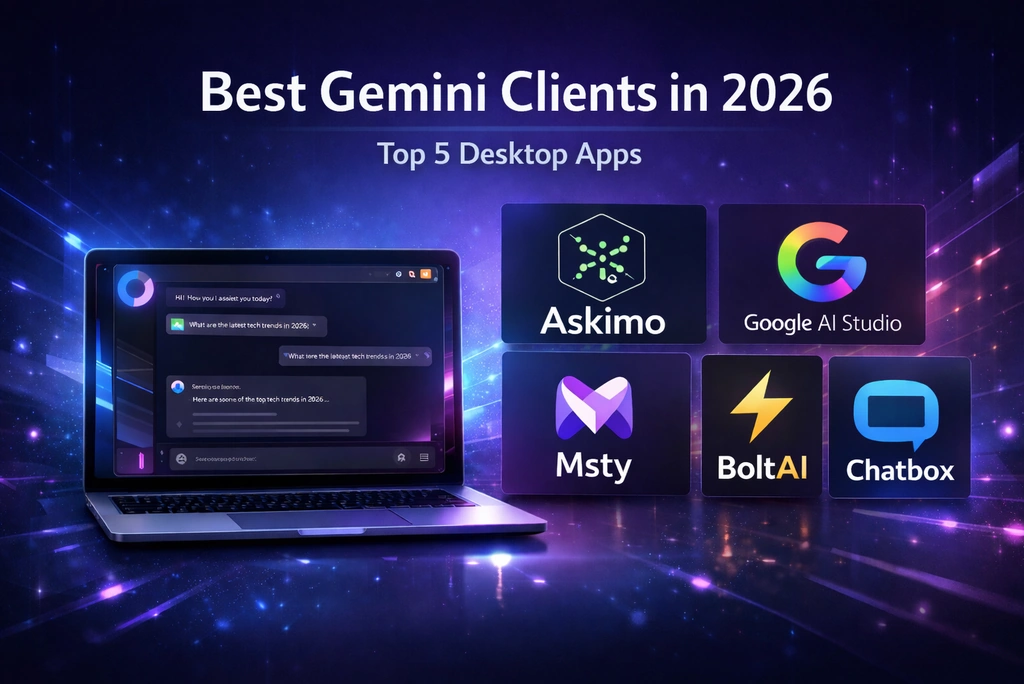
If you’re choosing a Gemini client in 2026, you likely care about multimodal capabilities, privacy, and a smooth workflow across different AI LLMs. Below are five of the most popular clients—each excellent in their own way—with an honest look at what they do well and when to pick them.
Looking for a complete AI provider setup guide? Check out our guide: Gemini Desktop App Setup for detailed configuration steps.
This list includes: Askimo App, Google AI Studio, Msty, BoltAI, and Chatbox. All support Gemini with different approaches to features, privacy, and multimodal AI.
Why a dedicated client for Gemini?
- Multimodal capabilities: Gemini supports both text and images for versatile AI interactions
- Better UX: searchable history, favorites, exports, and structured workflows
- LLM flexibility: combine Gemini with other AI models for different use cases
- Privacy control: choose between cloud-based official tools or local-storage clients
- Performance: long chats without lag when the client handles history efficiently
1. Askimo App (Multi-LLMs, Fast, Native)
- Website: https://askimo.chat
- GitHub: https://github.com/haiphucnguyen/askimo
Askimo is a young project built to solve real workflow problems:
- Multiple LLMs in one place: Gemini excels at certain tasks, GPT-4 at others, Claude at creative writing. Askimo lets you leverage each LLM’s strengths without switching apps.
- Web UIs can lag or crash on very long chats: many web-based clients render entire conversations in the browser. Askimo saves old messages in a database and loads them on demand, keeping large chats smooth.
- Custom directives per chat: tailor Gemini’s responses—formal, professional, casual, creative, or concise—without pasting long prompts every time.
What stands out:
- Cross-platform: macOS, Windows, Linux
- Native desktop (not a web wrapper) → fast UI and lower memory use
- Model management: switch quickly between Gemini models and other LLMs (OpenAI, Claude, Ollama, X.AI, Docker AI)
- RAG support: index your project files and documents with built-in Lucene + jvector for context-aware AI responses
- Chart rendering: visualize data with built-in chart support (bar, line, pie, scatter plots)—perfect for analyzing data and research metrics
- URL crawling: fetch and analyze web content directly in conversations—great for research and competitive analysis
- Chat UX: searchable history, favorites, Markdown/JSON/HTML export, keyboard shortcuts
- Extensibility: shared foundations with the Askimo CLI for automation
- Privacy/local-first: API keys and conversations stored locally on your device
- Localization: multi-language UI support
Best for: power users, developers, researchers, and analysts who want a fast, native desktop client with multiple AI models workflows, RAG-powered project knowledge, data visualization capabilities, and robust chat organization.
2. Google AI Studio
- Website: https://aistudio.google.com
Google AI Studio is the official web-based interface for Gemini API. It provides direct access to all Gemini models with official support and features.
Highlights:
- Official Google integration
- Web-based, works on any platform
- Access to all Gemini models
- URL support for web content analysis
- Prompt tuning and experimentation tools
- Direct API access for developers
Best for: users who want the official Google experience and are comfortable with web-based tools.
3. Msty
- Website: https://msty.app
- Pricing: Paid subscription
Msty is a multi-LLMs desktop chat client that supports Gemini alongside other AI LLMs. It focuses on a clean interface and easy LLM switching.
Highlights:
- Desktop app for macOS and Windows
- Multi-LLMs support (Gemini, OpenAI, Claude, etc.)
- File attachments for context (limited RAG)
- Clean, modern interface
- Easy provider configuration
- Subscription-based pricing model
Best for: users who want a polished desktop app with multi-LLMs support and a focus on design, and don’t mind paying for premium UX.
4. BoltAI
- Website: https://boltai.com
- Pricing: Paid (one-time or subscription)
BoltAI is a Mac-native AI assistant that integrates with Gemini and other LLMs. It focuses on system-wide access and quick AI interactions.
Highlights:
- Mac-native app with system-wide access
- Quick keyboard shortcuts
- Supports multiple AI LLMs including Gemini
- File attachments for context via MCP (Model Context Protocol)
- Native macOS integration
- Extensible with MCP tools (web search, browsing, etc. - requires setup)
- One-time purchase or subscription options
Best for: Mac users who want system-wide AI access with native integration and are willing to pay for premium features.
5. Chatbox
- Website: https://chatboxai.app
- GitHub: https://github.com/Bin-Huang/chatbox
- Pricing: Free & Open Source
Chatbox is a lightweight, cross-platform desktop chat client that supports Gemini and other AI LLMs. It focuses on a simple, clean chat experience.
Highlights:
- Cross-platform desktop app (macOS, Windows, Linux)
- Free and open source
- Connect to Gemini via API
- File attachments for context (limited RAG)
- URL support for web content analysis
- Chart rendering support
- Minimal, fast chat UI
- Easy provider configuration
- Multi-LLMs support
Best for: users who want a simple, free, fast chat interface with Gemini support and don’t need advanced features.
Comparison Table
Note: Feature comparisons are based on publicly available information and testing where possible. Some features may have been added or changed since publication. Check each tool’s official website for the most current feature list.
| Feature | Askimo | Google AI Studio | Msty | BoltAI | Chatbox |
|---|---|---|---|---|---|
| Gemini Support | ✅ All models | ✅ All models | ✅ Via API | ✅ Via API | ✅ Via API |
| Platform | macOS, Windows, Linux | Web (All platforms) | macOS, Windows | macOS only | macOS, Windows, Linux |
| Price | Free & Open Source | Free (API fees apply) | Paid subscription | Paid (one-time or subscription) | Free & Open Source |
| App Type | Native Desktop | Web-based | Native Desktop | Native macOS | Native Desktop |
| Multi-LLMs | ✅ (OpenAI, Claude, Gemini, Ollama, X.AI) | ❌ (Gemini only) | ✅ Multiple LLMs | ✅ Multiple LLMs | ✅ Multiple LLMs |
| RAG Support | ✅ Built-in project indexing (Lucene + jvector) | ❌ | Limited (file attachments) | Limited (file attachments via MCP) | Limited (file attachments) |
| Offline History | ✅ Local database | ❌ Cloud-based | ✅ Local | ✅ Local | ✅ Local |
| Chart Rendering | ✅ Built-in (bar, line, pie, scatter) | ❌ | ❌ | ❌ | ✅ Chart support |
| URL Crawling | ✅ Fetch & analyze web content | ✅ Web URL support | ❌ | Via MCP tools (requires setup) | ✅ URL support |
| Custom Directives | ✅ Per-chat customization | ❌ | Prompt templates | Agents with custom instructions | ❌ |
| Keyboard Shortcuts | ✅ Extensive in-app | Web shortcuts only | ✅ In-app | ✅ System-wide (main feature) | Basic in-app |
| Export Options | Markdown, JSON, HTML | Copy/paste only | Markdown | Markdown | Markdown |
| Privacy | ✅ 100% local storage | Cloud-based | Local storage | Local storage (encrypted) | Local storage |
| Best For | Power users, developers, researchers | Quick experiments, official Google tool | Design-focused users | Mac users wanting system-wide AI | Users wanting simple, free chat |
Key Insights:
- Free & Open Source: Askimo, Chatbox
- Free (with API costs): Google AI Studio (official Google tool)
- Paid: Msty (subscription), BoltAI (one-time or subscription)
- Most advanced features: Askimo (project-level RAG indexing, advanced chart rendering, URL crawling)
- Official Google tool: Google AI Studio (web-based, cloud storage, URL support)
- Best system-wide shortcuts: BoltAI (Mac-only, main selling point)
- Simplest with chart & URL support: Chatbox (minimal, lightweight, free, chart rendering, URL support)
Choosing the right client
- Prefer a native, fast UX with multiple AI models switching and RAG → Pick Askimo
- Need data visualization, charts, and analysis tools → Pick Askimo
- Want the official Google experience with web access → Pick Google AI Studio
- Need a polished multi-LLMs desktop app → Pick Msty or Askimo
- Mac user wanting system-wide AI access → Pick BoltAI
- Want a minimal desktop chat focused on simplicity → Pick Chatbox
You can also use multiple clients: Google AI Studio for quick experiments, and Askimo for production workflows with better organization and multi-LLMs flexibility.
Getting started with Askimo + Gemini
- Get your Gemini API key from Google AI Studio
- Download Askimo App: https://askimo.chat
- In Askimo, navigate to Settings → Providers → Gemini
- Enter your API key
- Choose a default model (Flash models recommended for speed)
- Start chatting with Gemini, or switch to other LLMs mid-conversation
Askimo supports multiple AI LLMs, so you can leverage Gemini’s multimodal capabilities alongside ChatGPT’s reasoning or Claude’s creative writing.
Final Thoughts
The best Gemini client is the one that fits your workflow. If you value speed, multiple AI models support, structured chat history, and privacy, Askimo is a compelling choice—especially if you need to combine Gemini with other AI LLMs in your daily work.
For researchers and analysts, Askimo’s unique combination of features makes it particularly powerful: project-level RAG indexing enables context-aware responses from your entire codebase or document collection, chart rendering visualizes data directly in chat, and URL crawling enables real-time analysis of web content, research papers, and datasets without leaving the application.
Want to explore Gemini alongside other AI LLMs? Check out: All AI Providers Supported in Askimo
Want to contribute or follow development? Star Askimo on GitHub:
Frequently Asked Questions
Does Gemini have an official desktop app?
No. Google provides Google AI Studio as a web interface, but there’s no official native desktop app. Askimo fills this gap with a native desktop client that supports Gemini alongside other LLMs.
Can I use the latest Gemini models in desktop clients?
Yes. All the clients mentioned support Gemini models via the Google AI API. Askimo makes it easy to switch between different Gemini models based on your needs—whether you prioritize speed, capability, or cost-effectiveness.
Is Gemini free to use?
Google provides a generous free tier for Gemini API usage. Check Google AI Studio pricing for current limits and rates.
Can I use Gemini for image analysis?
Yes. Gemini supports multimodal input including images. With Askimo, you can upload images and ask Gemini to analyze them while keeping the conversation organized with your other AI chats.
Which Gemini model should I use?
Gemini offers different models optimized for various use cases:
- Flash models: Fast responses, good for most everyday tasks
- Pro models: More capable, best for complex reasoning and long context
- Experimental models: Latest features and capabilities
Check the Gemini documentation for the most current model options. Askimo lets you switch between available models instantly based on your needs.